If you are emailing yourself on Purelymail, and you are getting the following automatic reply:

you will need to make some changes to the domain on your account. On Purelymail, we have three methods that you can use to have mail delivered to for your domain: Purelymail (we store the email for you), Relay (you use our MX record, and the message gets relayed to the server that you provide) or External MX (You use a MX record on your domain for a different service or server).
This error occurs when you have used our MX record, but set the domain setting to External MX. In this mode, we don't accept any emails delivered to your domain, as they are meant to be delivered to an external service.
How can I fix this? I want my mail to be delivered to Purelymail.
This is quite simple to solve, so don't worry! All you have to do is configure the "Delivery Mail to" option within your domain, setting this to Purelymail. The steps to do this are listed below:
1. Log into the Admin account for Purelymail.
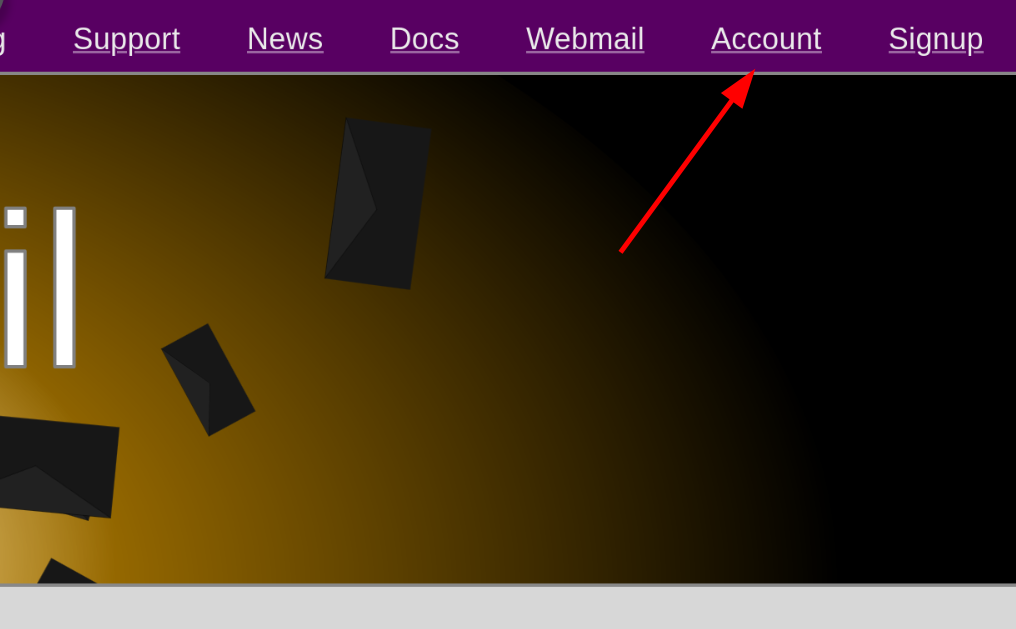
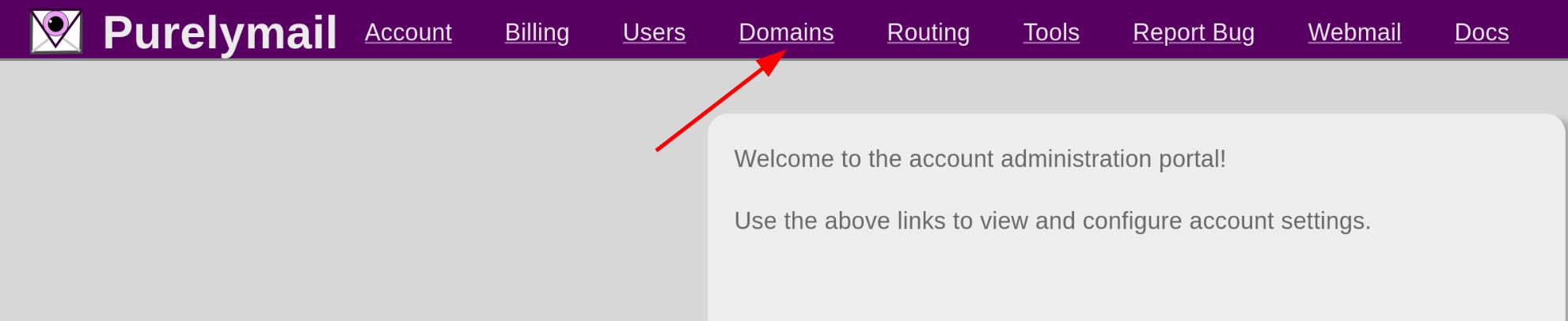
2. Select the Domains tab at the top of the screen.
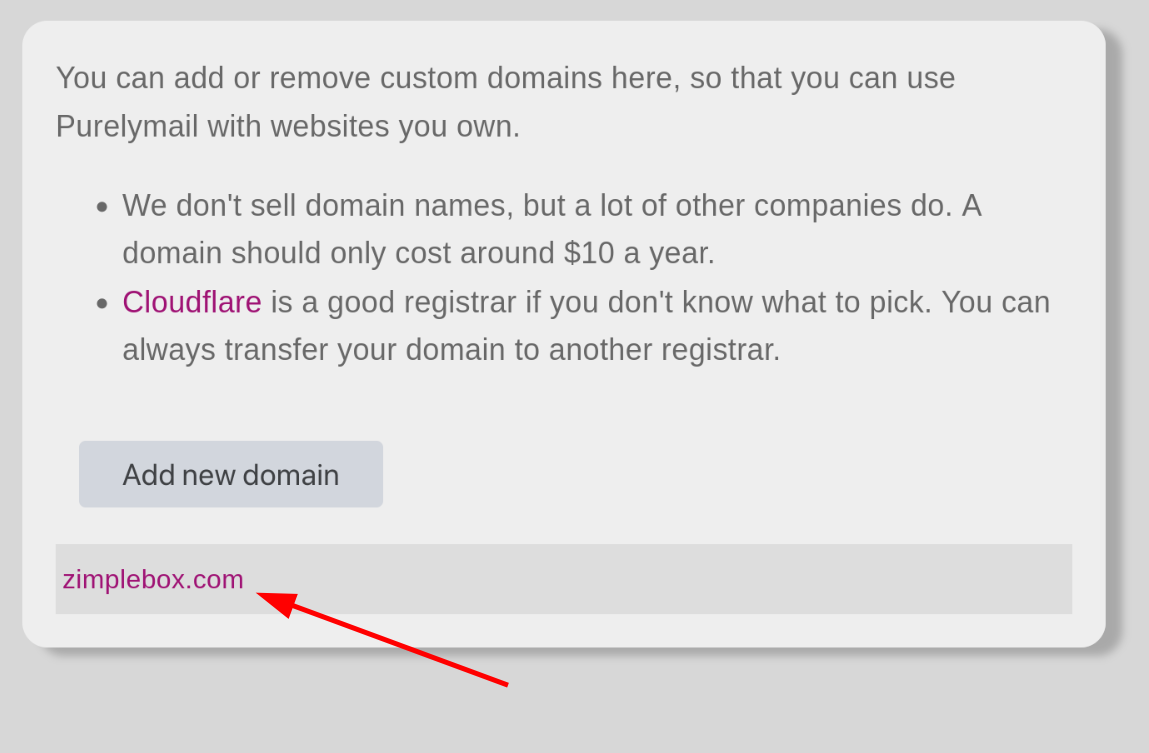
3. Select the domain you want to fix this for:
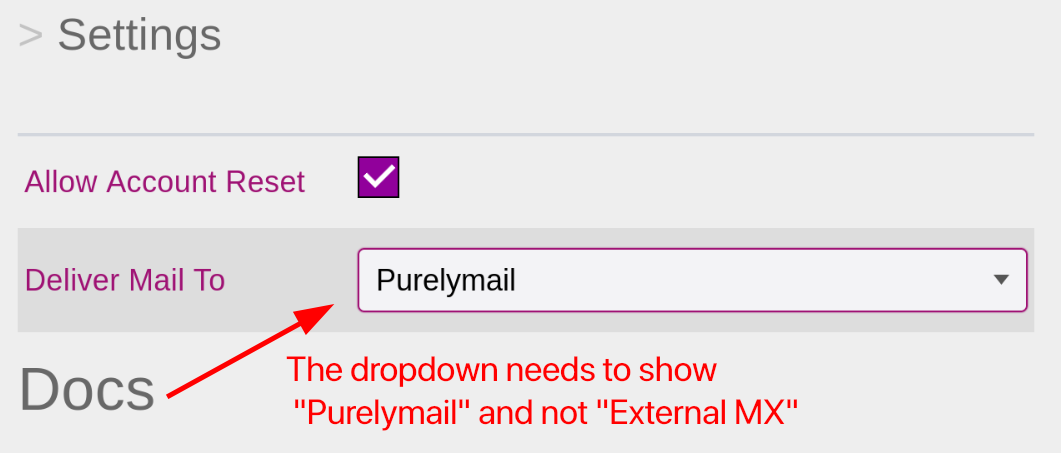
4. Change the "Deliver mail to" option from External MX to Purelymail:
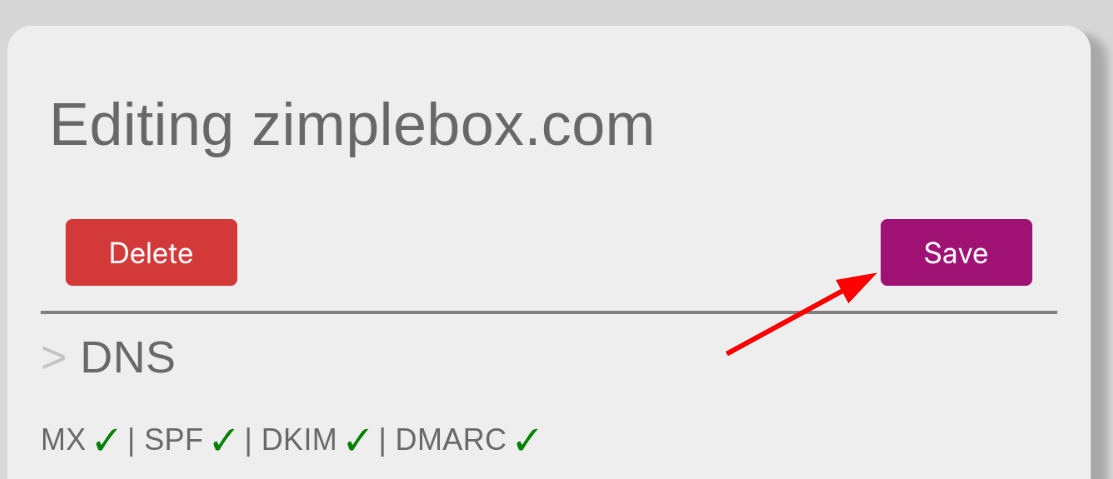
5. Hit the Save button at the top of the screen. Once done, the new settings will be live and you can now email the domain, with the email being available in your Webmail.
Was this article helpful?
That’s Great!
Thank you for your feedback
Sorry! We couldn't be helpful
Thank you for your feedback
Feedback sent
We appreciate your effort and will try to fix the article